Azure PowerShell Gets What-If and Bicep Export
 Robert Prüst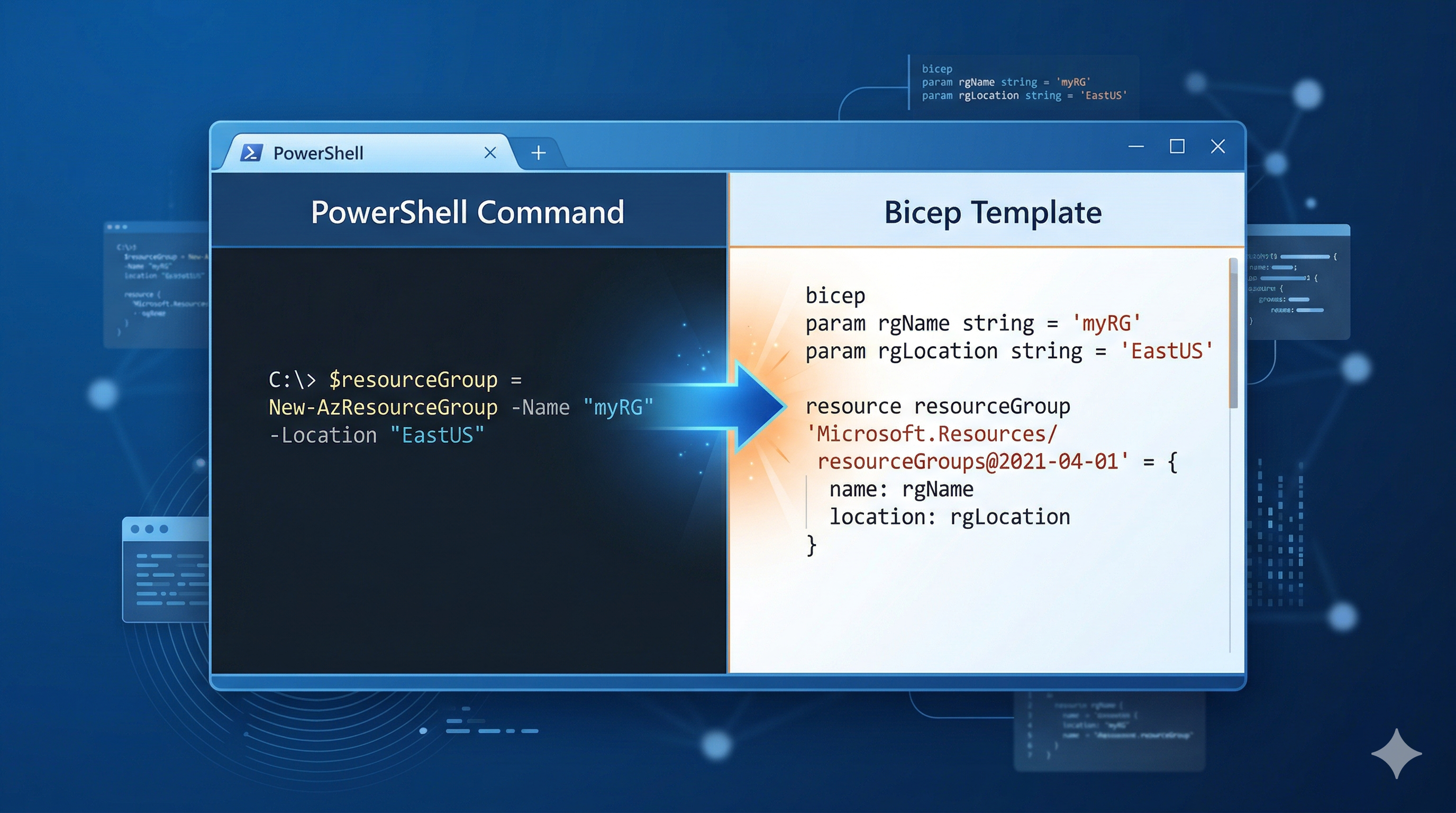
At Microsoft Ignite 2025, the Azure tooling team announced two features that I think a lot of us have been wanting for a while: What-If (dry run) and Export Bicep for Azure PowerShell commands.
If you’ve ever been nervous about running a New-AzVM or Set-AzVirtualNetwork in production, wondering “what exactly is this going to change?” — that’s exactly what these features solve. And if you’ve been wanting to move towards Infrastructure as Code (IaC) but the gap between “I know how to do this in PowerShell” and “I know how to write this in Bicep” felt too big — the Export Bicep feature bridges that gap automatically.
Both features are currently in private preview, but let me walk through what they do and why they matter.
What-If: The -DryRun Parameter
The concept is simple: add -DryRun to a supported Azure PowerShell command, and instead of actually making the change, it shows you what would happen.
# Instead of creating the virtual network...
New-AzVirtualNetwork -Name MyVNET -ResourceGroupName MyResourceGroup -Location eastus -AddressPrefix "10.0.0.0/16" -DryRun
This previews the changes — what resources would be created, modified, or deleted — without touching your environment. Think of it like terraform plan, but for your regular Azure PowerShell commands.
If you’ve ever used the What-If feature for ARM template deployments, this is the same concept, but applied to individual PowerShell commands instead of template deployments.
Supported Commands (Private Preview)
Not every command supports -DryRun yet. As of the private preview, these are available:
| Cmdlet | What it does |
|---|---|
New-AzVM |
Create a virtual machine |
Update-AzVM |
Update a virtual machine |
New-AzStorageAccount |
Create a storage account |
New-AzRmStorageShare |
Create a storage file share |
New-AzRmStorageContainer |
Create a storage container |
New-AzVirtualNetwork |
Create a virtual network |
Set-AzVirtualNetwork |
Update a virtual network |
Add-AzStorageAccountNetworkRule |
Add a network rule to a storage account |
I’d expect this list to grow significantly once the feature hits GA, but even this initial set covers some of the commands where you’d most want a safety net.
Export Bicep: From PowerShell to IaC Automatically
This is the one that excites me. When you combine -DryRun with the --export-bicep flag, Azure PowerShell doesn’t just show you what would change — it generates a Bicep template that represents your command.
So instead of manually writing Bicep for a virtual network, you just write the PowerShell command you already know:
New-AzVirtualNetwork -Name MyVNET -ResourceGroupName MyResourceGroup -Location eastus -AddressPrefix "10.0.0.0/16" -DryRun --export-bicepBehind the scenes, AI translates your PowerShell command into Bicep code and saves it to ~/.azure/whatif/ on your machine. Then it automatically runs a What-If analysis on that generated template so you can see exactly what it would deploy.
Why This Matters
I think this is significant for a few reasons:
-
Lower barrier to IaC adoption — If you already know how to provision resources with Azure PowerShell, you can now generate Bicep templates from that knowledge. No need to learn Bicep syntax from scratch.
-
Reusable templates from one-off commands — That
New-AzVMyou ran to quickly spin up a test machine? Now you can capture it as a Bicep template and reuse it properly next time, or hand it to your team as a starting point. -
Less risk in production — The dry run alone would be valuable. Combining it with template generation means you can preview, review, and then deploy with confidence.
How to Get Access
Both What-If and Export Bicep are in private preview. You can sign up at aka.ms/PreviewSignupPSCLI.
If you do get access and want to share feedback, Microsoft has a dedicated form at aka.ms/PreviewFeedbackWhatIf.
For the full details on the announcement, check out the official Ignite blog post.
Happy scripting 😊